Updating your X/Twitter username: 2026 Guide
Ejaz Ahmed
27 Nov 2025 | 6 min read
People often need to update their X/Twitter username these days. It plays a big role in shaping your online presence.
You can use the change to refresh your profile and draw in more followers over time. Now we will go over the steps to update your X/Twitter username.
Understanding your X/Twitter username or handle
A X/Twitter handle works as your username on the platform. It serves as a unique identifier that always starts with the @ symbol. This detail matters a lot for account basics. People use it to tag others in posts or send direct messages. It also helps with spotting who is who.
That way, you can tell official accounts from ones that try to fake them. You get to customize the handle to fit your name or brand. But there are limits on characters set by X/Twitter. Even so, it stays separate from the display name you choose for your profile.
X/Twitter username vs. display name: What's the distinction?
A X/Twitter display name is a personal identifier, while your handle is used for logging in, mentions and DMs.

Display name is separate from and does not change your @username.
Changing your X/Twitter username: A step-by-step guide for 2026
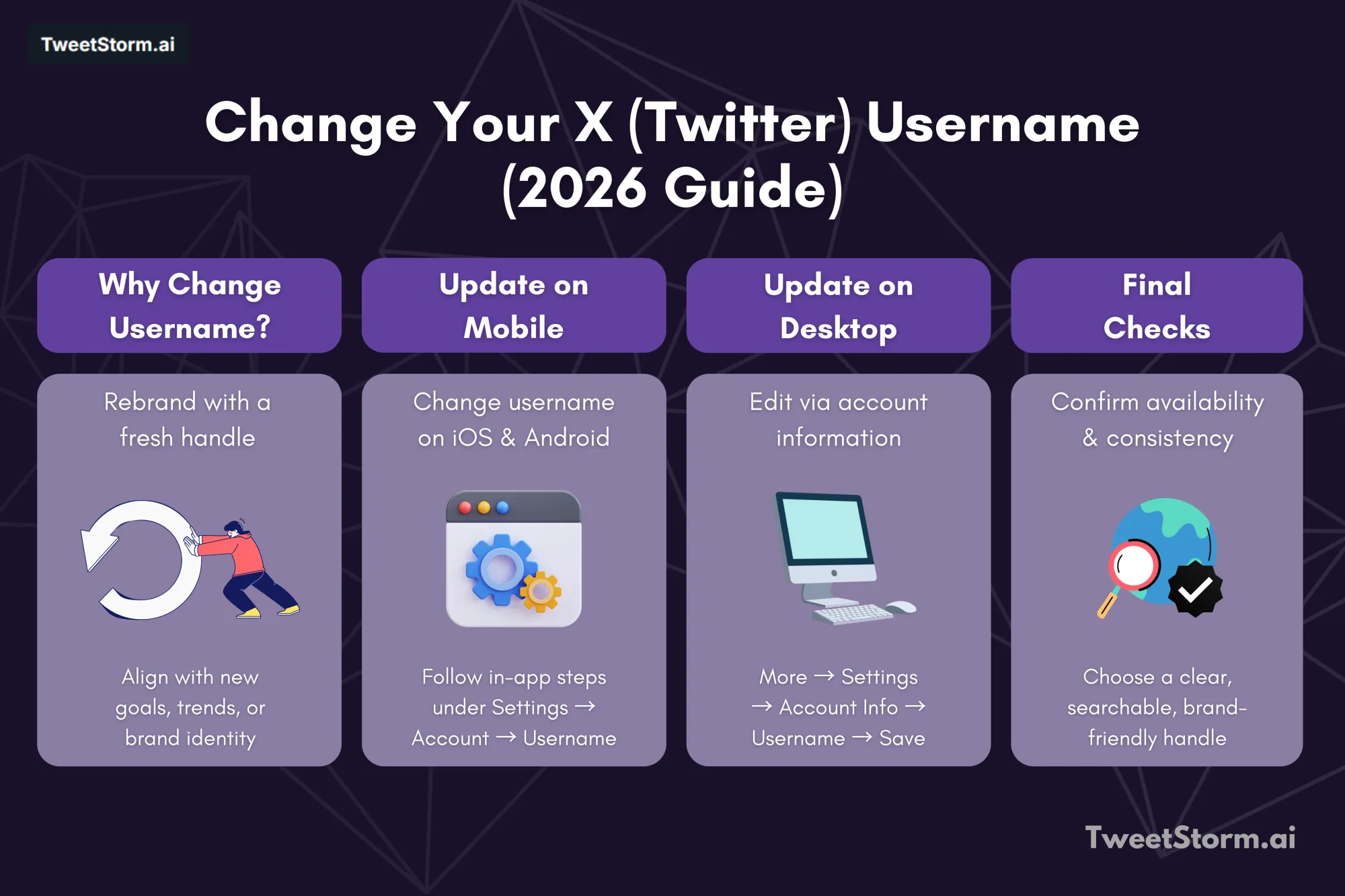
Update your X/Twitter username via your settings for new goals, brands or trends.
Changing your X/Twitter handle on the iOS mobile app
If you're an iOS user looking to change your X/Twitter username, you're in luck.
To change your X/Twitter handle on iOS: Open the X/Twitter app, tap your profile icon, go to "Settings and Support," then "Settings and privacy." Select "Your account," then "Account information," and tap "Username." Enter your new username and tap "Done."
Changing your X/Twitter username on the android app
Android users can change their X/Twitter account username directly from the mobile app.
How to change your X/Twitter handle on Android:
- Open the X/Twitter app.
- Tap your profile icon (top-right).
- Tap "Settings and Support," then "Settings and privacy."
- Select "Account," then "Username."
- Type your new username and tap "Done."
Changing Your X/Twitter Handle on Desktop
Desktop user? Access your account info and change your username now.
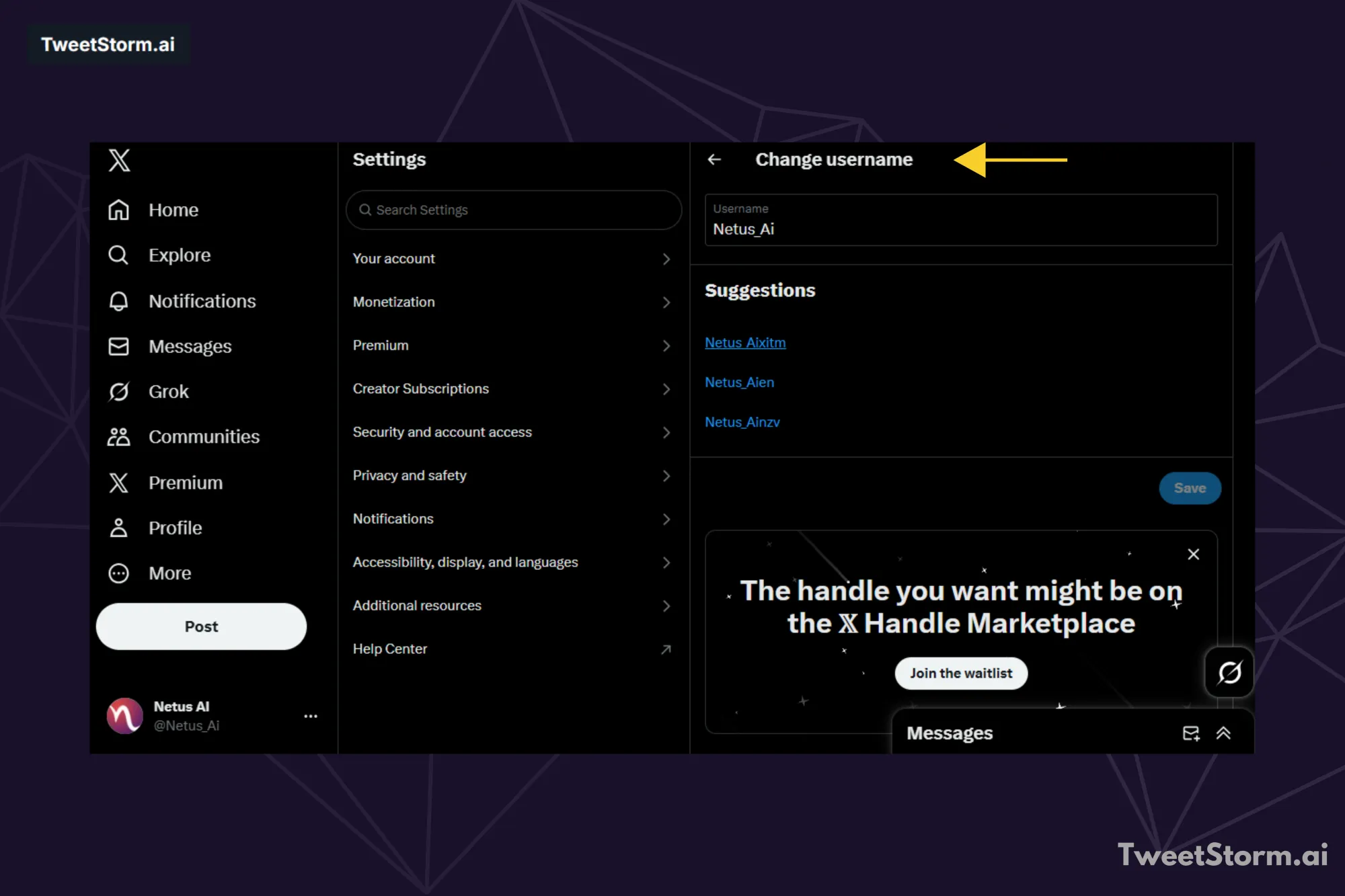
To change your X/Twitter handle on desktop:
- Open Twitter.
- Click "More" on the left menu.
- Go to "Settings and Support" then "Settings and privacy."
- Click "Account information."
- Confirm your password.
- Select "Username."
- Type your new username or select a suggestion.
- Click "Save."
Choosing a new X/Twitter username: Key tips
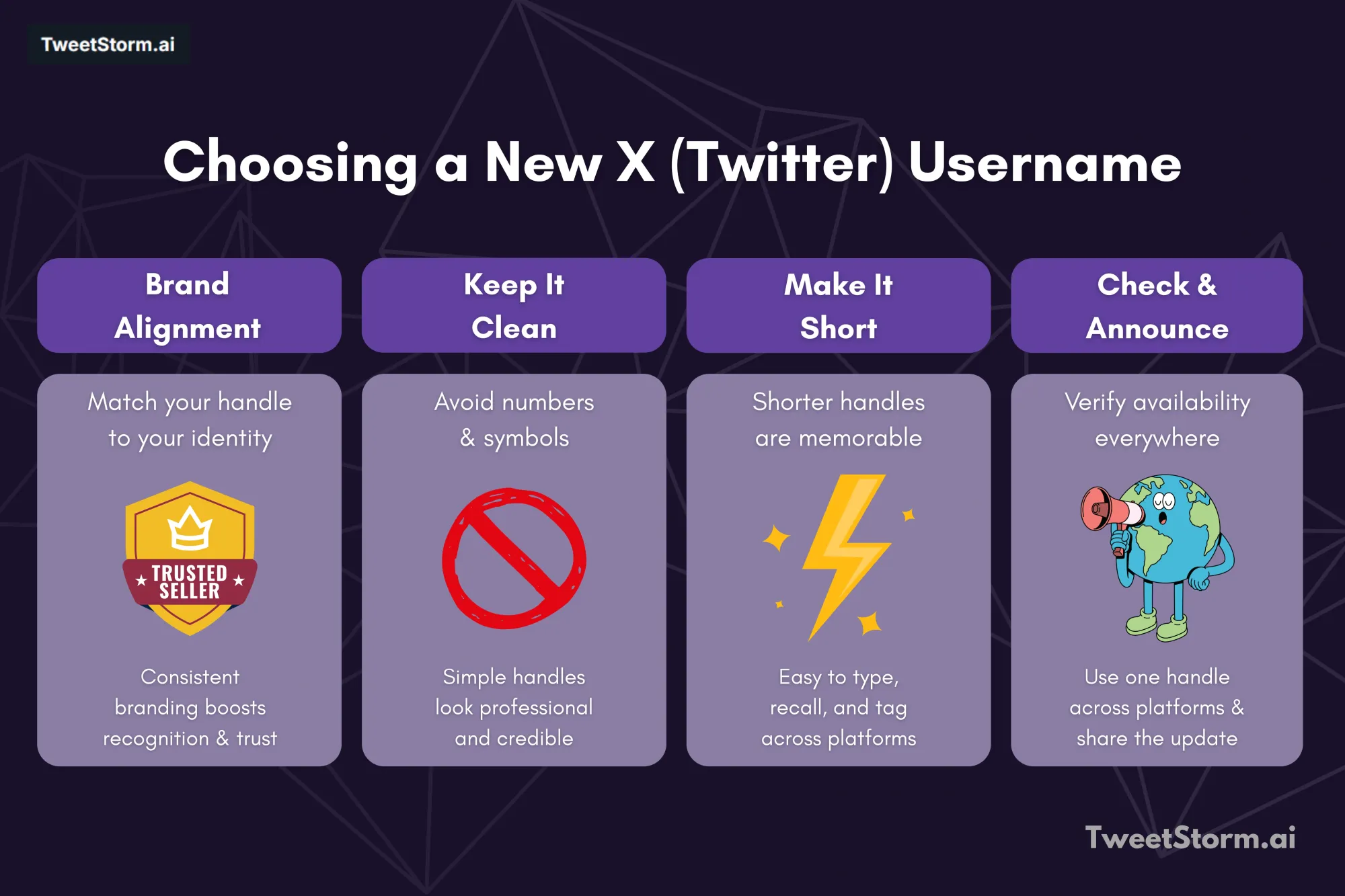
Plan your username change to ensure new and existing followers can easily identify you and save your profile URL.
Here are tips for choosing a new X/Twitter username:
1. Establish your brand identity
After learning to change your X/Twitter username, focus on your brand identity. When your X/Twitter handle aligns with your brand, it increases recognition, brand association, online presence and brand recall.
Consistency between your handle and brand reinforces your messaging and values. Ensure your X/Twitter bio is also on-brand.
2. Omit numerals and symbols
Twitter handles with numbers and special characters can look generic, unprofessional and rookie, hurting your brand image. A clean, simple handle without these characters conveys a more professional and credible impression.
3. Opt for a concise X handle
Shorter X/Twitter handles are generally more memorable, making them easier to recall and type for mentions or searches.
This boosts accessibility and engagement. Additionally, a concise handle is less likely to exceed character limits for mentions, tags and hashtags.
4. Verify your preferred X/Twitter username availability
Using the same handle across all social networks ensures consistency and makes your brand easily recognizable and findable.
A unique, available handle prevents audience confusion and establishes a cohesive brand identity across platforms.
5. Share your updated X/Twitter username on all other social platforms
Promoting your new X/Twitter handle across diverse social media platforms amplifies outreach and visibility. Sharing your new username ensures followers on multiple sites stay informed of the update.
Why change your X/Twitter username?

Your X/Twitter username's importance is high. Knowing how to change your handle, it's worth learning why you should.
Your handle is the primary way people find or mention you, confirming your account's legitimacy.
Three reasons to change your X/Twitter handle:
- Rebranding and brand consistency: Changing your handle (via X/Twitter settings) aligns with rebranding efforts, reflecting new missions or markets and ensuring consistency across all digital platforms.
- Streamlining and simplification: Complex handles hurt brand recall. An intuitive handle improves recognition and discovery.
- Mergers, acquisitions or change in ownership: A handle change reflects new corporate structure or ownership, preventing confusion among customers and stakeholders.
Dealing with an unavailable X/Twitter username

If your desired X/Twitter username is taken, you have options. What to do:
- Modify the handle: Add slight variations (underscores, abbreviations, keywords) to keep it recognizable.
- Search twitter: If the handle becomes available, update your username promptly.
- Address imposters/trolls: Report the account to Twitter, stating it's falsely impersonating you or your business.
- Reach out to the current user: If the account is inactive, politely ask the user to change their handle.
- Consider verification: For businesses with notable presence or risk of impersonation, verification (blue checkmark) confirms authenticity and builds trust.
How TweetStormAI helps you find the perfect X/Twitter name?

Struggling to land on a clean and actually available, @name? TweetStormAI’s Handle Generator trims the guess-and-check headaches down to a single click:
- Prompt + context in, five options out, Type a quick line about your niche or vibe (“AI newsletter for founders,” “freelance iOS dev”). The generator returns five X/Twitter name ideas that fit the brief and clear the fluff.
- Brand-aligned logic, It blends your request with your past TweetstormAI tone (e.g., professional, playful) for on-brand suggestions.
- Instant availability check, See open X ideas; avoid "taken" X/Twitter handles.
A simple yet effective module that outputs five AI-generated X/Twitter names in response to a short prompt. It's particularly useful for users launching new personal brands or niche-based accounts.
Quickly find a short-list of available X/Twitter names that fit your brand.
Final thoughts
Changing your username on X, formerly known as Twitter, turns out to be a straightforward move. It helps line up your online self with your brand pretty well.
People do this for rebranding efforts or to make things simpler. Sometimes it comes from bigger company shifts. The whole thing goes fast whether you are on a computer or your phone.
Tools such as the TweetStormAI Handle Generator can help out here. Your username acts like that first digital greeting in a way. Think it through when you update and you will keep looking familiar and reliable. That holds true even as social media evolves by 2026.
FAQs
What is the difference between an X/Twitter username (handle) and a display name?
Your username or handle, the one with the @ symbol, acts as your unique ID for things like logging in, tagging people and sending direct messages. The display name stands apart from that. It is a personal label you can change whenever you want and it shows up right above your handle. This setup leaves your username and login process completely untouched.
Why should I consider changing my X/Twitter username?
Reasons for updating can involve rebranding efforts. They might also mean simplifying a complicated handle to improve brand recall. Sometimes it reflects shifts in corporate structure. Those changes could include mergers or acquisitions. Ownership alterations fit in there too.
Can I change my X/Twitter username on my mobile phone?
Yes, you can change your X/Twitter username right through the app on iOS or Android. Start by going to Settings and Support. From there, head into Settings and privacy. Next, pick your account. Then, select Account information. Finally, choose Username.
What are some key tips for choosing a new X/Twitter username?
Establish consistency with your brand when selecting the handle to make sure it aligns properly. Omit any unnecessary symbols or numerals from it to avoid clutter. Keep the handle concise so that it stays memorable for everyone who sees it. Verify its availability across various platforms before finalizing the choice. Share the new handle widely to get the word out effectively.
Does changing my display name also change my @username?
If you change your display name, that does not impact your unique @username at all. It stays the same as your handle for mentions and basic identification.
Newsletter
Never miss a post
One email a week with everything new on the TweetStorm blog.