Createbeautiful Twitterscreenshots

Turn any tweet into a customizable image in seconds with our Tweet screenshot generator.

undefined's avatar
TweetStorm@tweetstorm.ai

Generate engaging tweets in seconds with our AI-powered tool. Create, edit, and share your thoughts effortlessly.

1:59 AM · Aug 22, 2024·1000 Views
Export Format
ScreenShot Quality
Subscribe to control screenshot quality
Theme
Editor
Background Image
Subscribe to add a custom background image
PaddingX px
0128
PaddingY px
0128
Background Color
Custom Color
Custom Watermark
Subscribe to add a custom watermark

Unlimited Screenshots

No Watermarks

Reusable Designs

What is the Twitter screenshot tool?

Our Twitter screenshot tool converts any tweet into a high-quality image. You have full control over how it looks. Just paste the tweet URL, preview it like a real Twitter post, customize every detail, and download it as an image.

Manual screenshots on Twitter do not give you this much control. With this screenshot tool, you can adjust backgrounds, sizes, fonts, colors, spacing, and even how tweet metrics appear. Create tweet screenshots that look great on Instagram, websites, presentations, or marketing material.

Take Screenshot Now

Turn tweets into stunning images like these

Explore real examples of stunning and professional tweet screenshots created using our Twitter screenshot generator.

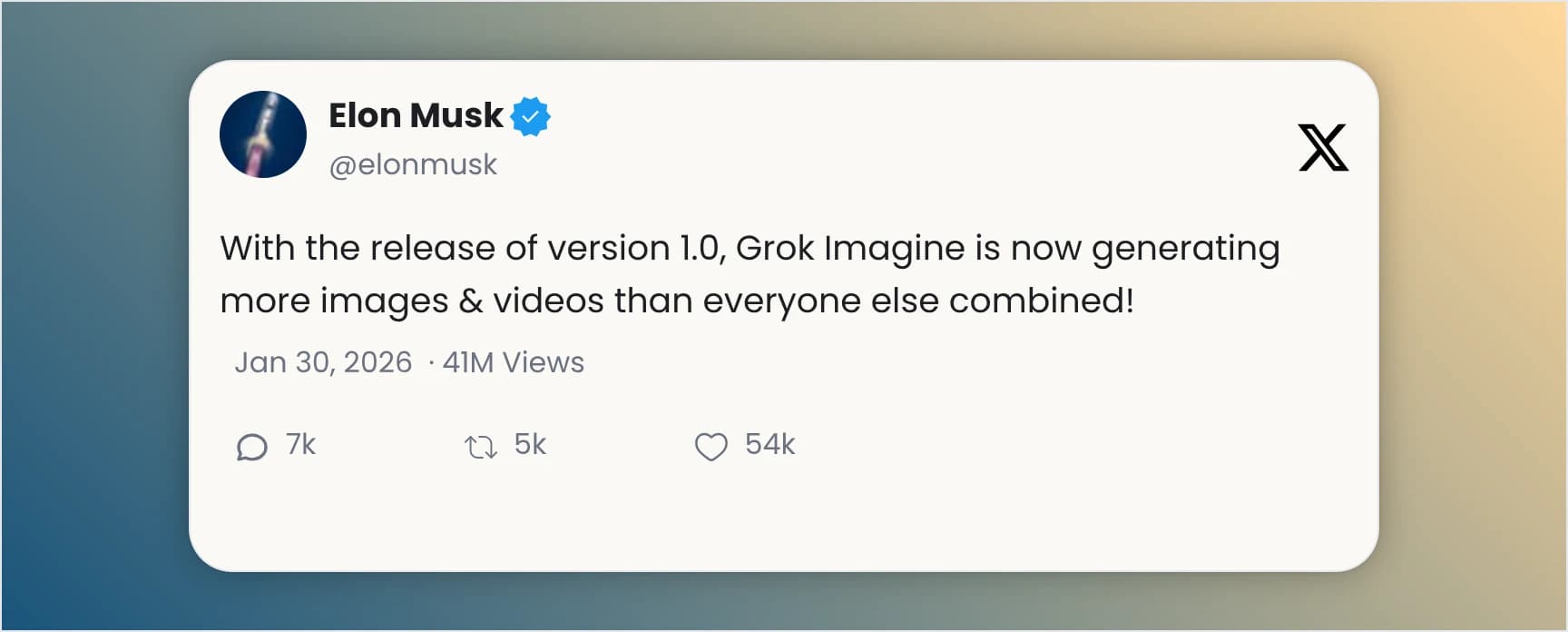
Custom Twitter screenshot with a golden gradient background and soft shadow effect.
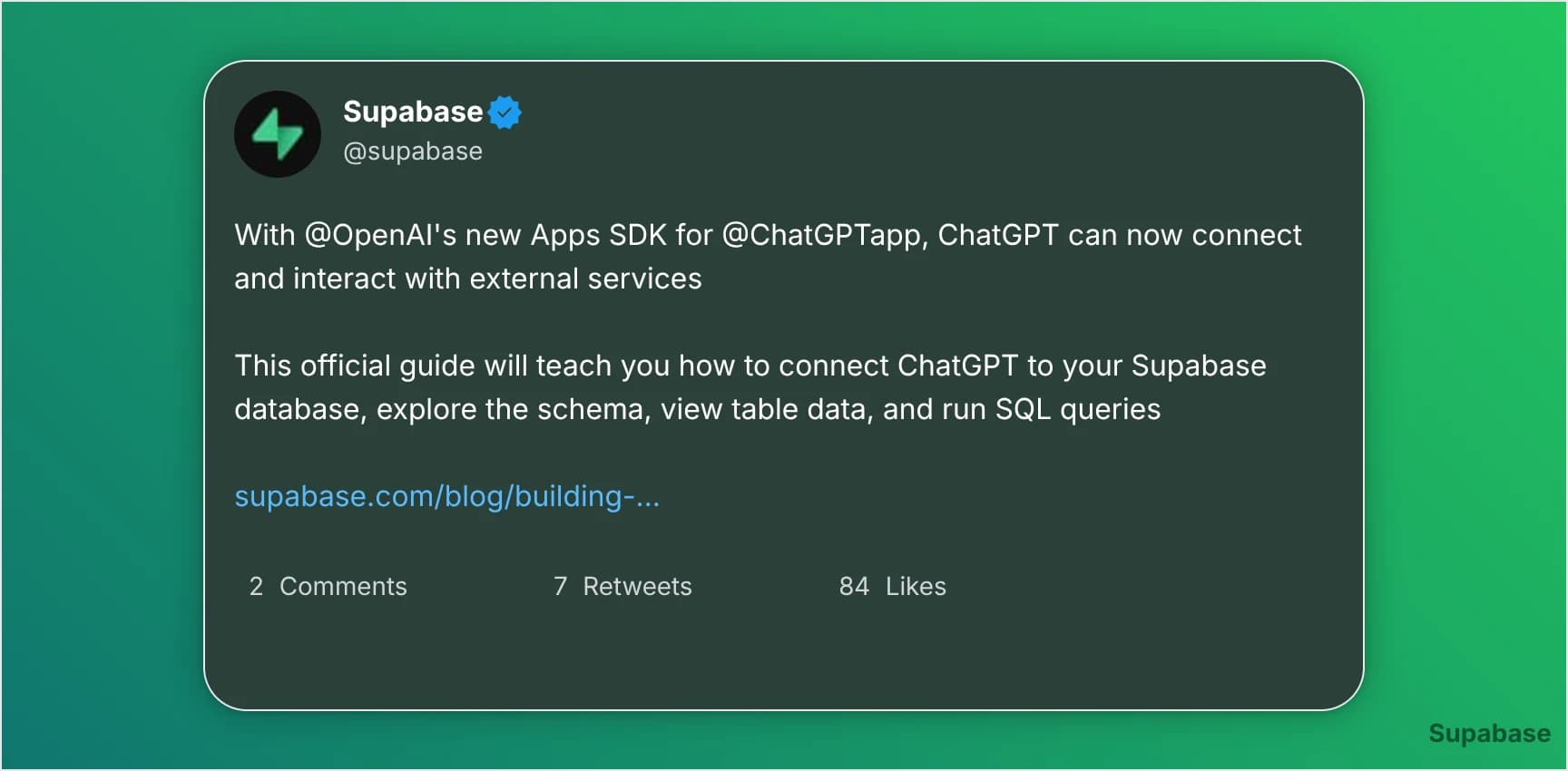
Twitter screenshot with a green theme, rounded corners and a custom watermark.
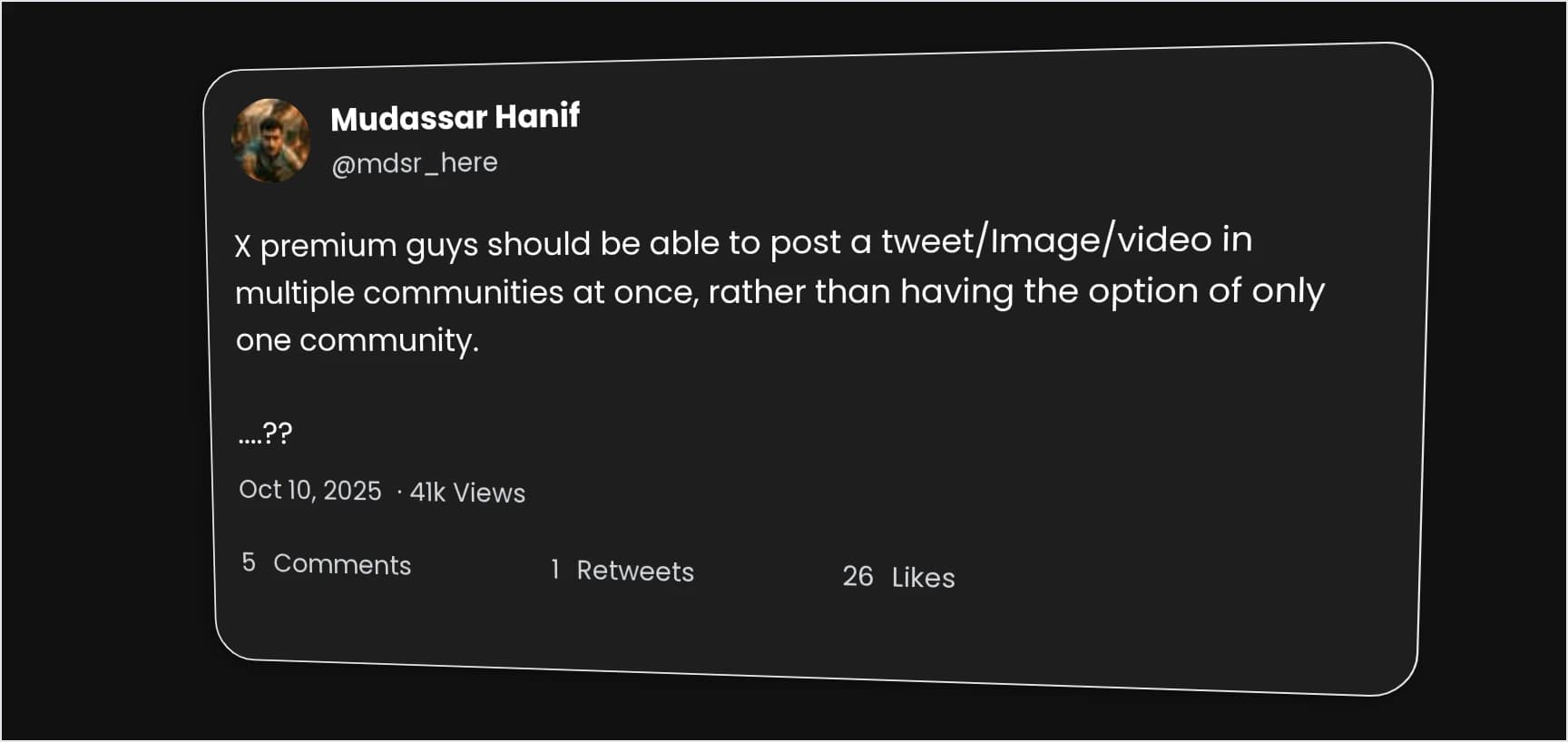
Dark theme tweet screenshot with a subtle 3d tilt effect.
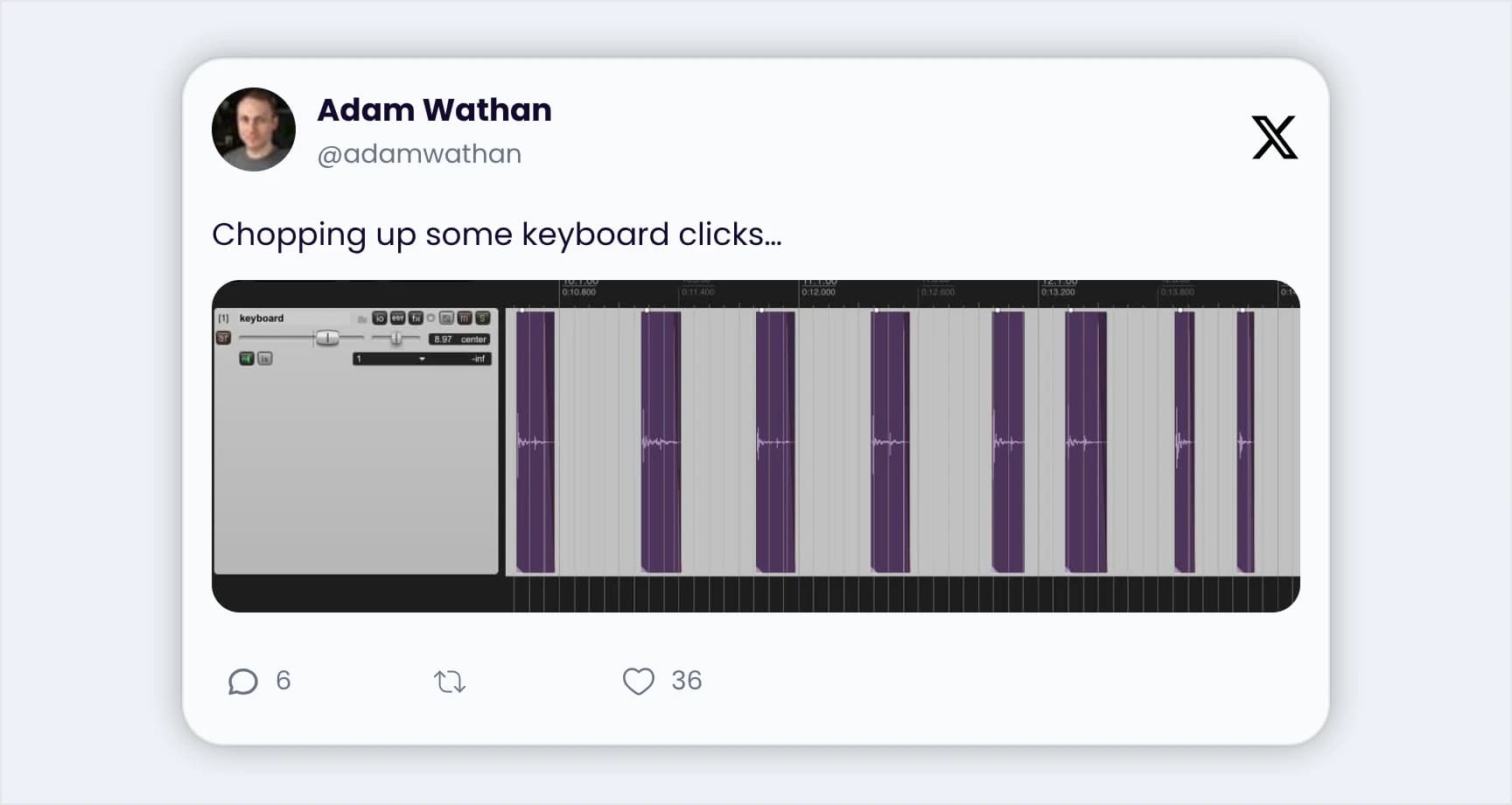
Light theme Twitter post screenshot featuring both text and an image.
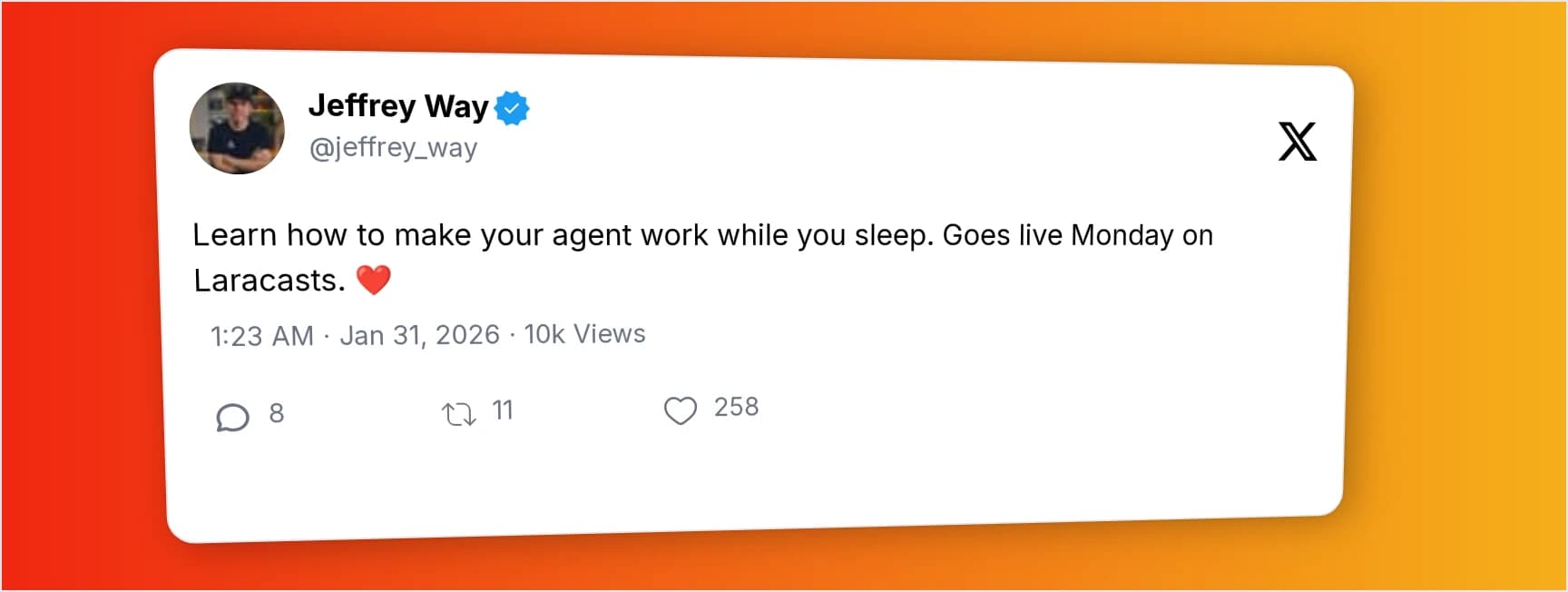
X post screenshot with an orange and yellow gradient and 3d tilt effect.
Custom Twitter screenshot with a golden gradient background and soft shadow effect.
Twitter screenshot with a green theme, rounded corners and a custom watermark.
Dark theme tweet screenshot with a subtle 3d tilt effect.
Light theme Twitter post screenshot featuring both text and an image.
X post screenshot with an orange and yellow gradient and 3d tilt effect.

How to take a Twitter screenshot

Generate a tweet screenshot in just a few simple steps. No design skills required.

01

Load tweet

Paste the URL of the tweet you want to capture and click View to load the tweet.

02

Customize tweet

Customize the tweet’s appearance like its background, size, colors, etc.

03

Download image

Download the image or copy it to your clipboard in your preferred format.

And that’s it. You’ve just converted a tweet to an image.

Try it Now

Powerful tweet customization features

Customize every part of your Twitter screenshot, from background and layout to fonts, metrics, and visual style.

Background & Canvas Styling

  • Solid color, gradient, or image background
  • Beautiful gradient presets and custom gradients
  • Adjust padding and control space around the tweet
  • Custom watermark branding
  • Resize the canvas using popular presets like Instagram post or YouTube thumbnail
  • Position the tweet anywhere inside the canvas (center, corners, or edges)

Tweet Appearance & Layout

  • Tweet background (solid or gradient)
  • Tweet size & scaling
  • Font size
  • Font color & font family
  • Rounded corners
  • Shadow
  • Tilt the tweet for a 3D effect
  • Light and dark themes
  • Choose between the old and new Twitter logo
  • Show or hide logo

Tweet Content & Metrics

  • Show or hide tweet details like date, time and views
  • Show or hide verification badge
  • Show likes, retweets, and comments as either text or icons
  • Hide tweet media (images/video)

Export Options

  • Download Twitter screenshots as PNG, JPEG, or WebP
  • Copy the image to clipboard

Advanced features for power users

Upgrade to Pro to unlock higher quality exports, branding tools, and time-saving customization features.

Pro

High-resolution downloads

Download your tweet screenshots in 2× resolution for sharper text and crystal-clear visuals, perfect for professional use.

Pro

Presets for reusable designs

Save your favorite customization settings as presets and apply them instantly to new tweets without starting from scratch.

Pro

Image backgrounds

Set custom images as your canvas background instead of plain colors or gradients for more unique and branded designs.

Pro

Font color controls

Fine-tune the look of your tweet by setting custom colors for primary text, username, metrics, and links.

Pro

Hide tweet media

Remove images or videos from tweets when converting them to images for a cleaner, text-focused screenshot.

Pro

Custom watermark branding

Add your own watermark to the canvas to protect your content and show your brand identity on every tweet image.

Who is this Twitter screenshot tool for?

This tool is for creators, marketers, and teams who want better-looking tweet images without doing manual edits.

Content creators

Create eye-catching tweet images for Instagram, TikTok, Facebook, LinkedIn, and more.

Social media managers

Quickly convert tweets to images for campaigns while keeping the same branding and layout.

Indie founders & startups

Highlight testimonials, product launches, and milestones using clean Twitter post screenshots.

Marketers

Use tweet screenshots in ads, case studies, and presentations to add credibility and social proof.

Designers

Customize tweet images with full control over colors, fonts, backgrounds, shadows, and layout.

Bloggers & educators

Save tweets as images to embed in articles, newsletters, and learning materials without needing live embeds.

Pricing

View the detailed pricing page to see more features offered on each plan.

Simple

FREE

Perfect for getting started

  • Unlimited screenshots

  • Basic customization

  • Presets

Try for Free

No Credit Card Required

POPULAR

Professional

$12

/month

Best for professionals

  • Unlimited screenshots

  • Advanced customization

  • 5 presets

Get Started

Cancel Anytime

Agency

$29

/month

For teams and agencies

  • Unlimited Screenshots

  • Advanced Customization

  • Unlimited Presets

Get Started

Cancel Anytime

View the detailed pricing page for comparison between different pricing plans and features.

Explore more Twitter tools

Try powerful Twitter/X tools to automate, clean up and optimize your account.

FAQs about Twitter screenshot generator

Yes, you can change backgrounds, sizes, fonts, colors, tweet metrics, shadows, layout, and more to create the perfect tweet image.
Yes, this tool allows you to customize the appearance of your tweet before downloading it as an image. You also get higher-quality image downloads, and you can reuse saved styles for future tweet screenshots.
Yes, you can use this tool for free. You do not need an account or a credit card to start.
No, you can create unlimited Twitter screenshots.
Paid plans include 2× image quality, custom watermarks, image backgrounds, font color choices, presets, and the option to hide media.
No, you do not need an account to use this Twitter screenshot generator.
Yes, the tool works on modern mobile browsers. It is easier to customize on a desktop screen, though.
Presets let you save your customization settings and reuse them for future tweet screenshots. Just click on a preset and all its styles will be applied to the tweet being customized.
You can download tweet images as PNG, JPEG, or WebP.
Yes, you can easily convert any tweet to PNG using the download options.
Yes, this tool lets you save a tweet as an image, without needing to crop screenshots by hand.
No, Twitter/X does not notify users when someone takes a screenshot of their tweet.
Yes, you can use the generated tweet images for commercial and promotional purposes.
No, screenshots are generated and downloaded from your browser and are not saved on our servers.

Start creating Twitter screenshots today

Turn tweets into stunning images with TweetStorm. Unlimited, fast, and easy.

Screenshot Tweet Now