Looking to set up your Twitter/X account?
Ejaz Ahmed
26 Nov 2025 | 7 min read
New to Twitter? This guide helps you set up a professional account and start your journey, though rapid follower growth isn't guaranteed.
Your name & username
Carefully choose your Twitter username, as it's your unique identifier and crucial for your online presence and interactions.
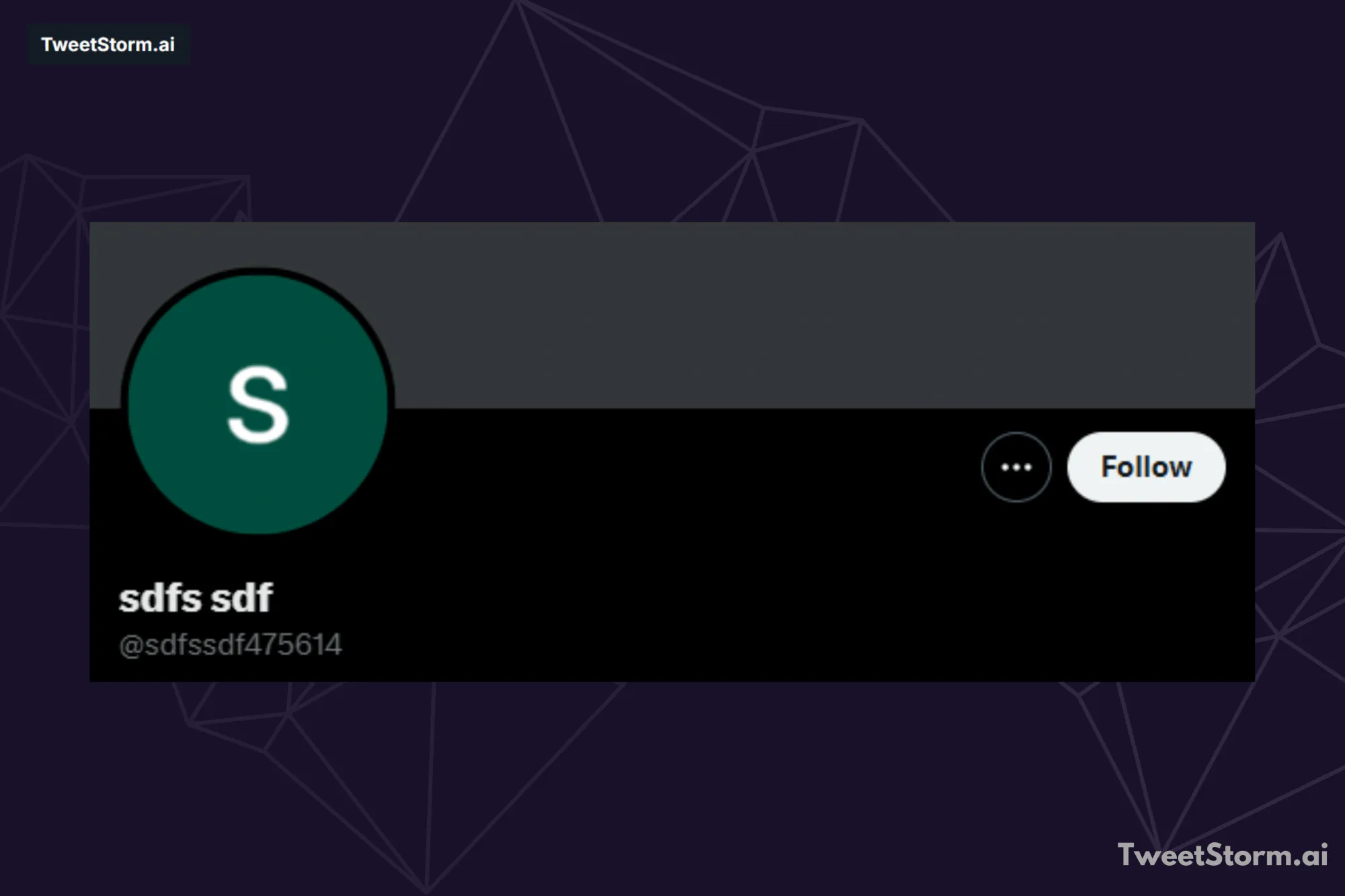
Use your real name on Twitter for easy searchability. Keep your username simple and memorable. Use your full name for personal content or your business name for business feeds.
Avoid offensive language. Aim for a username that is short, memorable and easy to type. Since your first choice is likely taken, consider these alternatives:
- Consider using a combination of your name and an initial, for example, @AITweetStorm.
- If relevant, include your location. For example, use "@TweetStormUK" if you are based in the UK.
- Avoid using offensive language and slang.
- Avoid using underscores e.g. @TweetStorm_AI
- Strive to minimize the use of numbers. e.g. @TweetStorm18264526
- For consistency, consider using the same username across all your social media platforms.
- A username needs improvement if it's not easily legible or pronounceable for someone to find it when read aloud.
Additionally, remember that while spaces are not allowed in usernames, capitalization is. Leverage capitalization to improve your username's readability.
Your bio
After choosing a username, write a concise, impactful, professional bio (under 160 characters) that explains your unique offering. It should answer "Who am I?" with originality and subtle humor.
Avoid bios that are too vague or artistic, like "A weaver of words, my paintbrush is the pen and my canvas is humanity." They are not appealing.
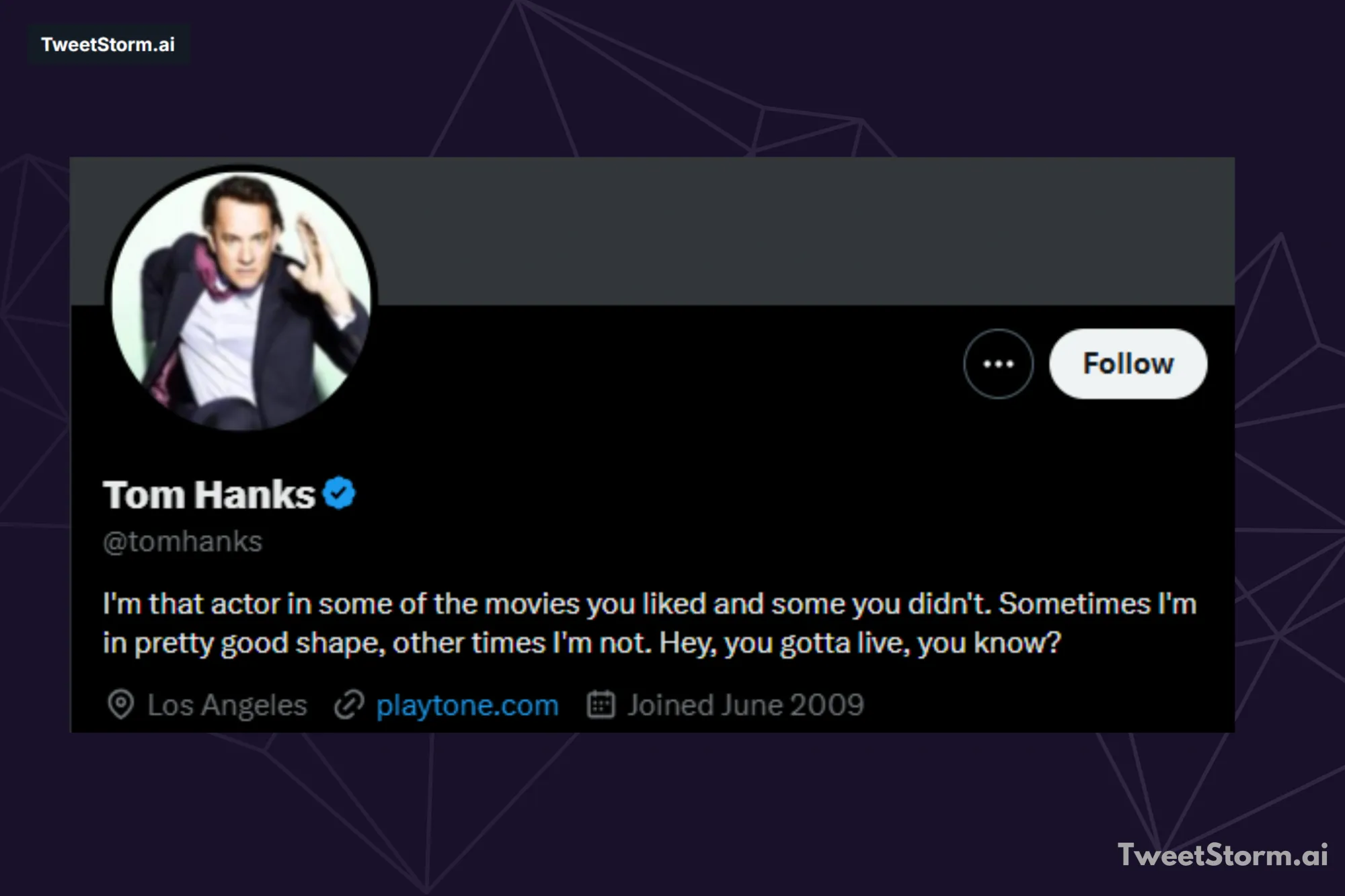
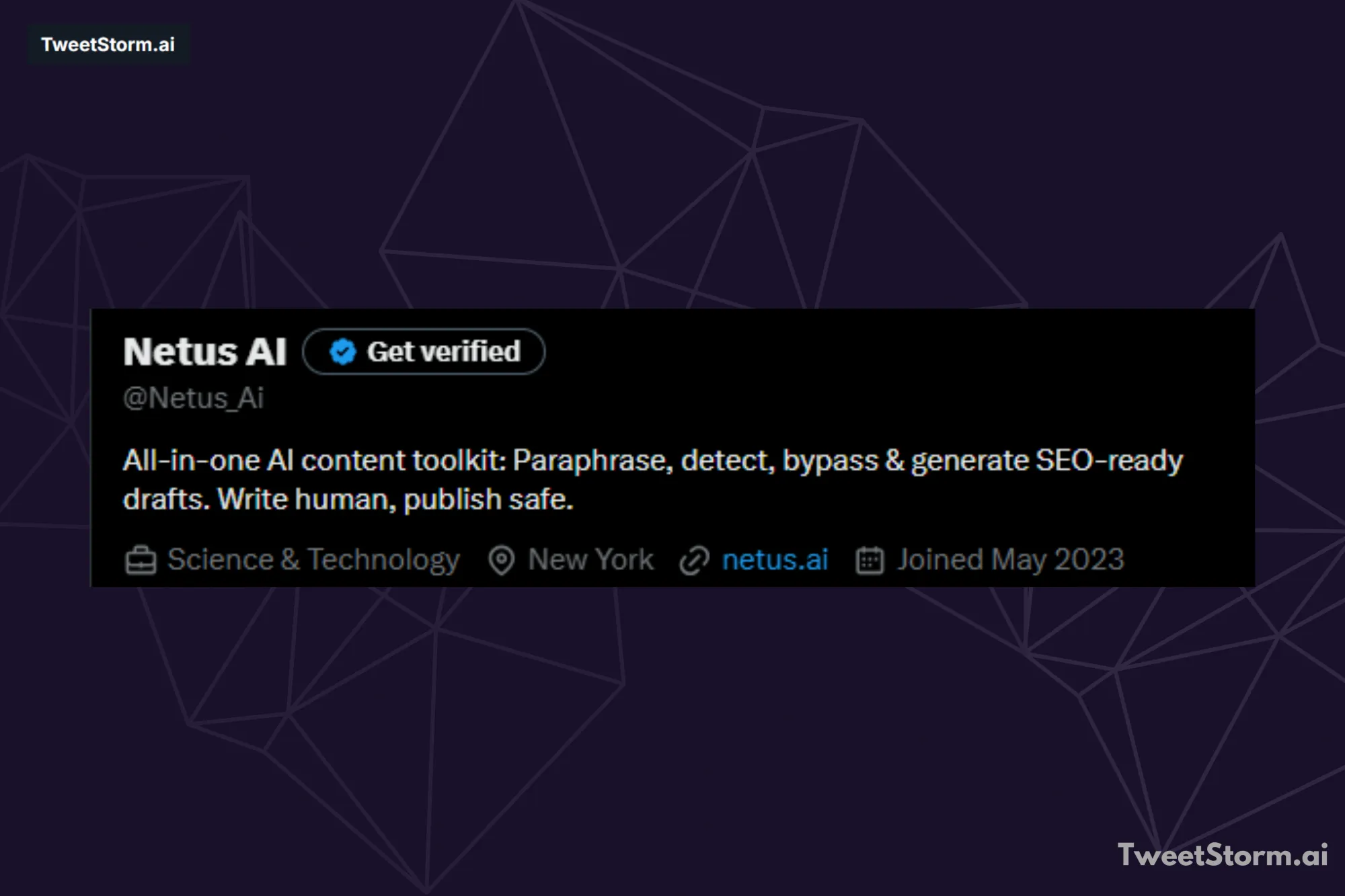
This bio below effectively uses humor and personal details to showcase the user's profession and expected content. It's professional, engaging and links to an associated feed. However, linking to other usernames can divert the audience from the main feed.
To expand your Twitter following, dedicate time to brainstorming and refining your approach. A helpful tip is to search Twitter for your specific interest. For instance, if you're a bike blogger, search for "blogger bikes" to see relevant content and users.
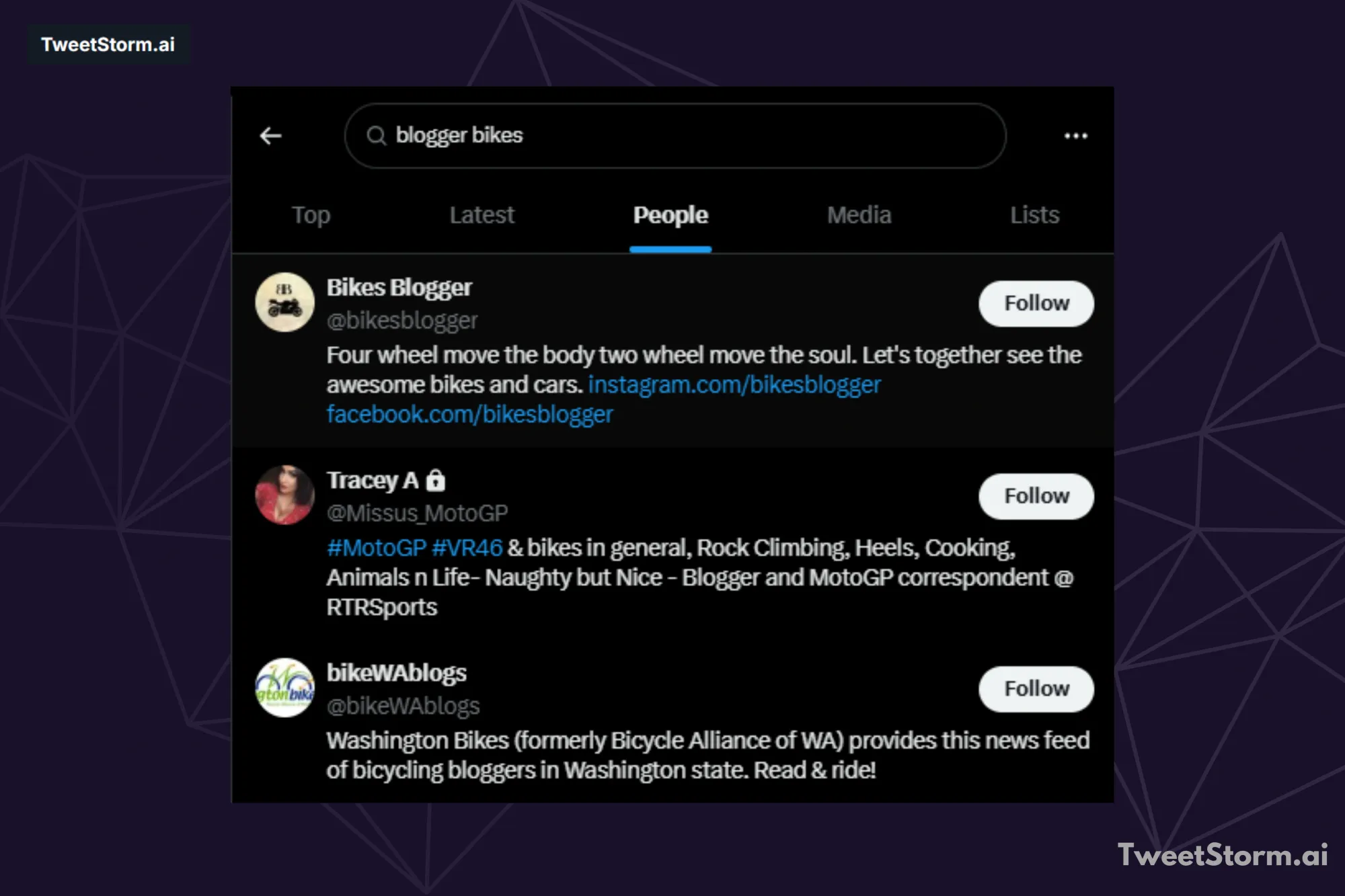
Review existing bios and identify elements you like. While these accounts are prominent due to keyword relevance and influence, their bios may not be inherently engaging. Your aim is to convey similar keyword value through an interesting and distinctive bio. Consider the following tips:
- If your main keywords (e.g., "blogger," "bike") are not already in your name or username, consider adding a few of them.
- Inject your unique personality, perhaps with a touch of humor.
- Hashtags are not essential; keywords in regular text are also searchable.
- Craft engaging content that sparks curiosity and encourages readers to follow you for answers.
- You can present this information using either bullet points or full sentences.
- Refrain from rudeness.
Your website
Twitter offers a dedicated space beneath your bio for a website link. If you have an official website, it's highly recommended to use this feature. Maintain professionalism; avoid humor or irrelevant, misleading links to prevent user dissatisfaction. If you lack an official or relevant website for your feed, it's best to leave the link space empty.
Profile picture
Project a friendly image on Twitter with a smiling profile picture to attract followers and avoid spam perceptions. An authentic, valuable and credible profile, starting with a high-quality photo, is crucial for growth.
A genuine, smiling or laughing photo conveys positivity. Our brains detect safety and danger. Avoid contradictory impressions. Edginess can work if it highlights unique personality aspects but trustworthiness is key. Who could resist this guy?
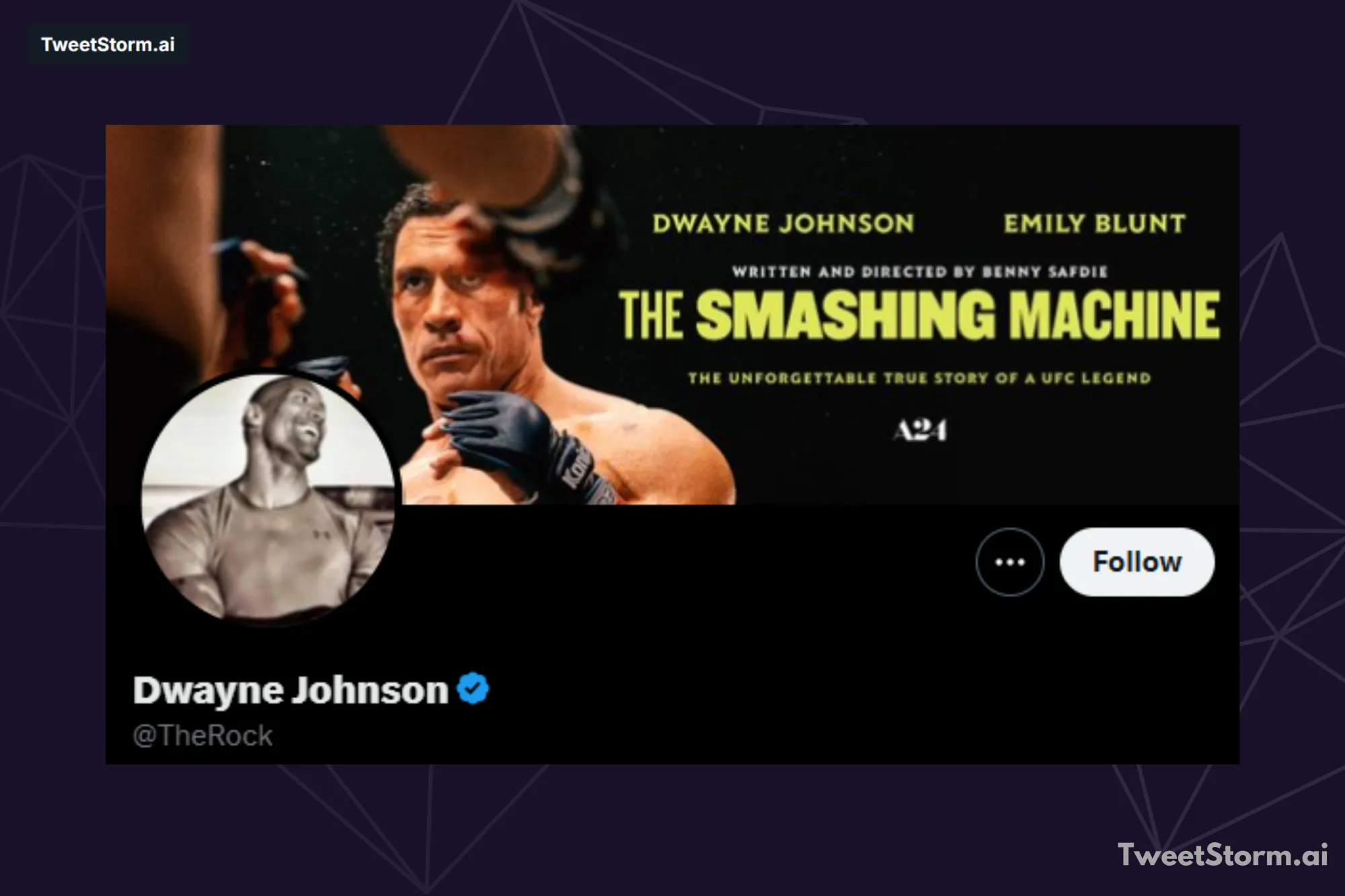
For individuals, your Twitter profile picture introduces your personal brand. Choose an image that aligns with this brand; professional, yet tonally appropriate. For businesses, optimize your brand logo for a small, square profile picture. Keep it simple, attractive and complementary to your brand name and bio.
Header image
Twitter now features a large header image at the top of your feed. Many users are leveraging this creatively and you should consider how to make this work for your brand. Getting a designer to create an eye-catching and effective header is a smart move. You can also use this space to promote new stuff, like software or books.
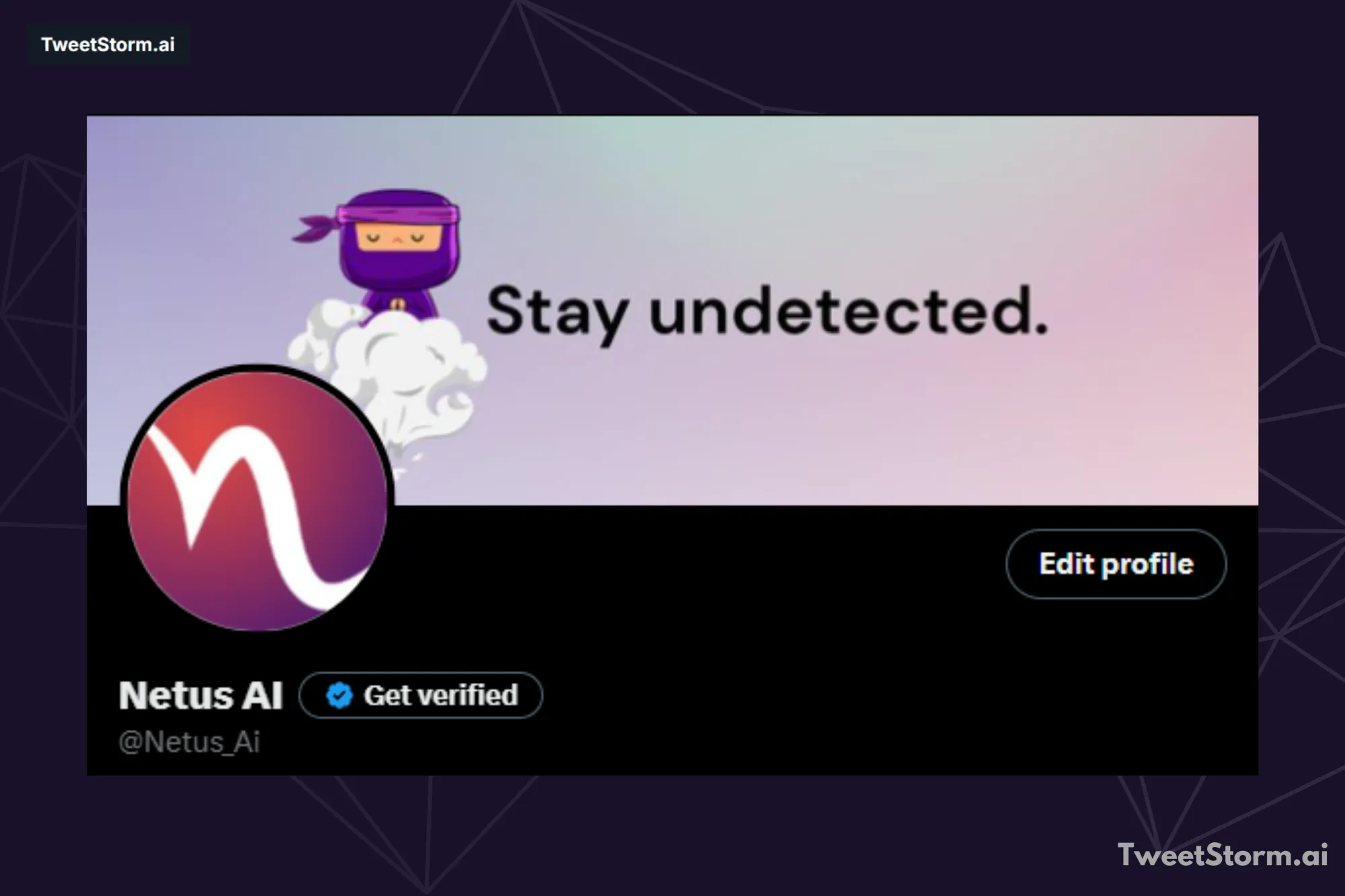
Your header image, much like your profile picture, should reflect your brand or overall vibe. A mismatched profile picture and header, such as a professional photo with an artsy header, can deter followers. They won't quite get what your content is all about and it might not look as polished as it could.
Your first tweets
With your Twitter profile established and your online persona defined, the next step is to cultivate your account. Begin by populating your timeline with engaging tweets.

Grow your Twitter following by prioritizing substantive tweets; aim for over three substantive tweets for every promotional one. Share inspiring, funny or intelligent posts relevant to your audience and engage with current events. Post enough to show activity without overwhelming followers, especially when starting with no followers.
TweetStormAI: Your Twitter growth companion
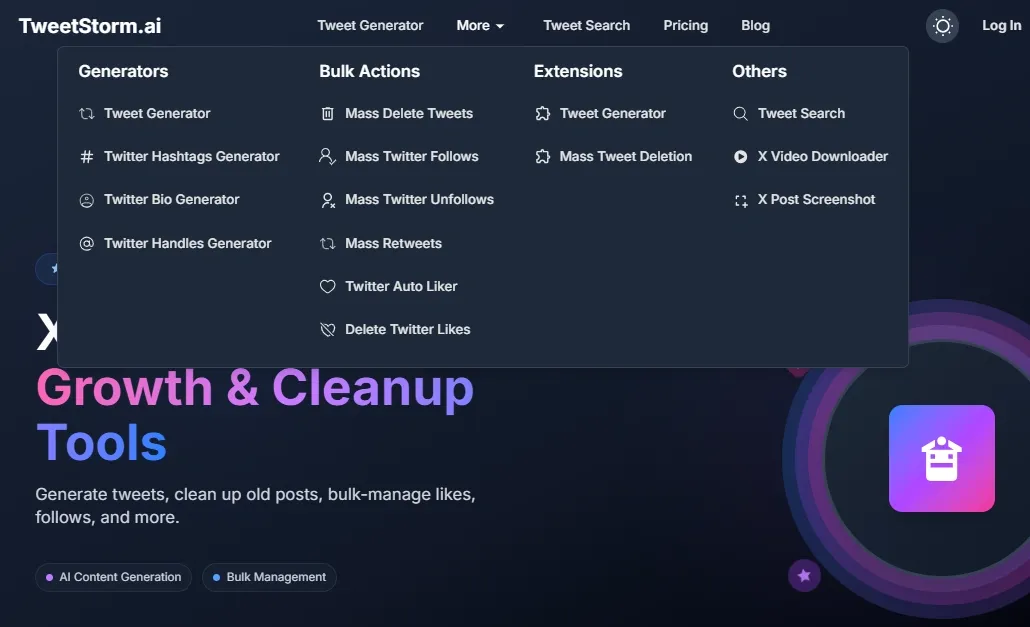
TweetStormAI offers AI tools to manage your Twitter and accelerate growth. Available as browser extensions for Chrome and Firefox, TweetStormAI integrates seamlessly into your workflow.
Enhance Your Twitter Presence with TweetStormAI:
- Content creation: Our AI Tweet Generator crafts engaging tweets and intelligent replies, fostering meaningful interactions.
- AI generators: The Bio Generator assists you in creating a concise and impactful profile, while the Handle Generator offers creative and memorable username suggestions. The Hashtag Generator ensures your content reaches a wider audience by suggesting trending and relevant hashtags.
- Account management & optimization: TweetStormAI empowers you with robust tools for managing your feed. Streamline your Twitter: mass delete tweets and manage followers/unfollows. Boost your engagement and visibility with mass retweets and the tweets auto liker. For privacy and control, you can also delete Twitter likes.
- Advanced features: TweetStormAI helps you find, save and share awesome Twitter content and profiles! It's got cool search tools, lets you download videos and even capture post screenshots.
TweetStormAI helps you save time, improve content and manage your Twitter to grow followers and enhance your online presence.
Final thoughts
A strong Twitter presence needs careful attention to account setup and content strategy. It's about crafting an authentic online persona, engaging thoughtfully with your audience and consistently delivering value. While the journey to rapid follower growth can be challenging, consistency and strategic engagement are key.
This is where TweetStormAI becomes an invaluable companion. TweetStormAI's AI tools, including the AI Tweet Generator and Bio Generator, optimize your profile and tweets. Its features like mass follows/unfollows, mass retweets and auto-liker boost engagement. TweetStormAI helps you save time, amplify efforts and strategically manage Twitter for follower growth and a stronger online presence.
FAQs
How do I choose a good Twitter username?
Aim for a username that is short, memorable and easy to type. Use your real name or business name for consistency and searchability. Consider combining your name with an initial.
What should I include in my Twitter bio?
Keep your Twitter bio under 160 characters. Clearly state your unique offering, who you are and maintain professionalism and credibility while showing personality.Include relevant keywords but hashtags are not essential. Avoid ornate language and focus on providing potential followers with an understanding of your content.
Should I add a website link to my Twitter profile?
If you have a relevant official website, definitely link it below your bio. Maintain professionalism and avoid irrelevant or misleading links. If you lack a suitable website, it's best to leave the link space empty.
What kind of profile picture should I use on Twitter?
For individuals, use a friendly, smiling photo that shows your personality. For businesses, use a simple, attractive version of your brand logo. A good quality, real photo is important to get followers and not seem like spam.
How can I make my header image effective?
Your header image should reflect your brand or overall vibe. Consider hiring a designer to create an eye-catching and effective header. You can also use this space to promote new products, software or books. Ensure your header image complements your profile picture to create a polished and coherent impression.
What should my first tweets be about?
Prioritize substantive tweets over promotional ones, aiming for more than three substantive tweets for every promotional one. Share inspiring, funny or intelligent posts relevant to your audience and engage with current events. Post enough to show activity without overwhelming new followers.
How can TweetStormAI help me grow my Twitter following?
TweetStormAI leverages AI for content and profile optimization (Tweet/Bio Generators). It manages your account by deleting tweets, following/unfollowing, retweeting and liking posts automatically. Additionally, it includes an advanced Twitter search, X video downloader and X post screenshot features.
Newsletter
Never miss a post
One email a week with everything new on the TweetStorm blog.