How to download X/Twitter videos without watermarks?
Ejaz Ahmed
27 Feb 2026 | 5 min read
In the fast-moving environment of X (also known before as Twitter), video content has become the most central part of engagement online. These videos motivate users to talk more, boost the amount of interaction, and let people deliver information in short video pieces that can be shared with many people.
But sometimes, there is a moment when you see a nice trending video, a valuable learning video, or even an advertising video that you want to save on your device for watching later, for keeping a backup, or for posting the video again on X/Twitter.
In most cases, the options given by X for saving are not enough, and having an ugly watermark can spoil the way your content looks. A trustworthy, specialized X Video Downloader then becomes very needed. In the next section, we will present top tools and steps to get X videos saved neatly and with fewer problems.
Introducing X/Twitter video downloader from TweetStorm
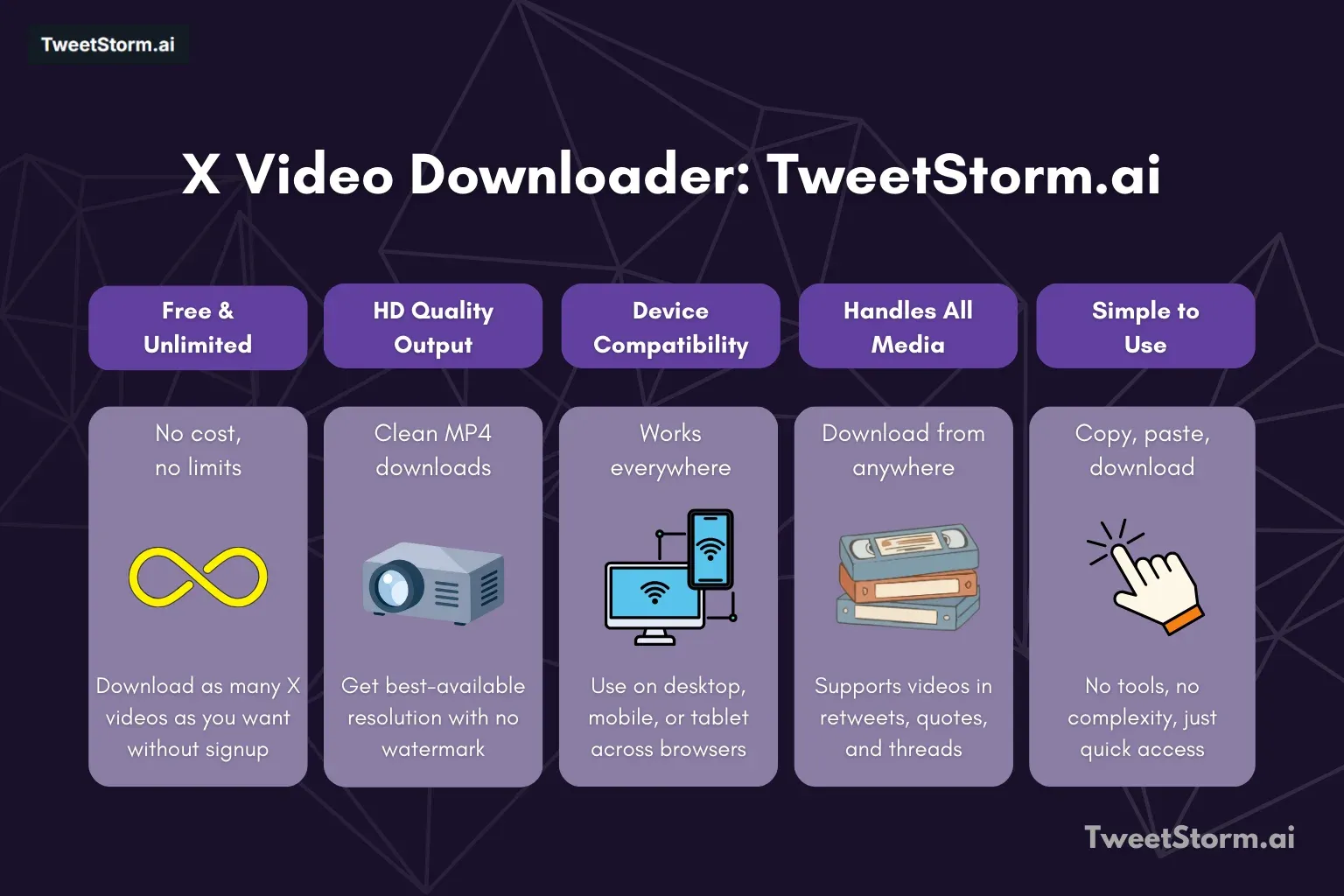
You do not have to use slow programs or apps with watermarks anymore. The X/Twitter Video Downloader by TweetStorm is not complicated but is powerful; it is built to be quick and easy. Anyone can download videos from X (Twitter) in high-quality resolution in just a couple of clicks, which is why many creators, researchers, and regular users choose it.
If you need to collect top-trending video reels to get some new ideas, want to back up an important campaign video, or are just downloading a joke reply video, the tool can handle all tasks quickly, free of charge, and with good performance.
Key features of X/Twitter video downloader by TweetStorm
Feature | Why it matters for you |
Free and limitless | Download as many videos from X as you want, and you do not need to pay or create an account. |
Get HD-quality output | Users get MP4 files in whatever the best quality available is, and there is no watermark on them at all. |
Device compatibility | Works well across computers, phones, or tablets and in nearly all important browsers. |
Handles different media types | You can simply re-download videos found in things like retweets, quotes, and very long threads. |
Easy to use | Just copy-paste your link, click on download, and you can save it. No special skills needed. |
How to save a video from X (Twitter) step by step
Using the TweetStorm tool for saving is easy and involves two simple steps: copying the link, then downloading the video.
STEP 1: Copy the video link from X
- Get to the video: Open X and look for the exact tweet that has the video you wish to get.
- Find share options: Click the sharing symbol located under the tweet (like an arrow or sometimes three dots).
- Do the Copy: Choose 'Copy link to Tweet'. That step copies the tweet's address, plus the media, to the device clipboard.
STEP 2: Download video with no watermark
- Put the Copied Link: Go to TweetStorm's X Video Downloader and place the tweet link in the field.
- Find Format: Hit "Download" so the tool will process it and list all video qualities that exist.
- Pick the Quality: Check which qualities or sizes (such as 720p, 1080p) are available.
- Keep the Video: Tap the quality you want. Your X video will then be saved directly to your device instantly in MP4 format, and there will be no watermark present.
How marketers and content creators utilize it best?
TweetStorm's tool is for a lot more than only saving random videos; it is built to help with proper workflow:
Saving or research
You can store high-quality videos from top creators to analyze trends, save information about competitors, or ensure important videos are watchable offline for later review.
It is simple to download videos in a clean format for quoting on X/Twitter, editing, or reusing on other social apps (but you should always give original credit).
Mobile use
The tool works well on your phone, so you can put videos in your gallery and you do not need any other applications.
Go further with TweetStormAI's tools for X/Twitter
Saving videos is just one section of the strong X/Twitter plan. For those who want to get the maximum results and create content more efficiently, there are more tools by TweetStorm that work well together.
After you take a viral video for your collection or for safekeeping, there is more to do.
If you must write a nice caption or comment for your shared video, use the Tweet Generator to create creative and interesting writing based on your given topic.
If you want your content to show up to more people, Hashtag Generator can get you top and related tags so more people see your post.
Is your profile full of old stuff not related to your new plan? The Mass Delete tool can erase or back up old tweets super fast so your account matches your new vibe.
By using X Video Downloader together with these extra TweetStorm tools, you have a strong workflow for finding new videos, saving them, creating content, and managing what appears on your profile.
The one-stop solution for X/Twitter handling
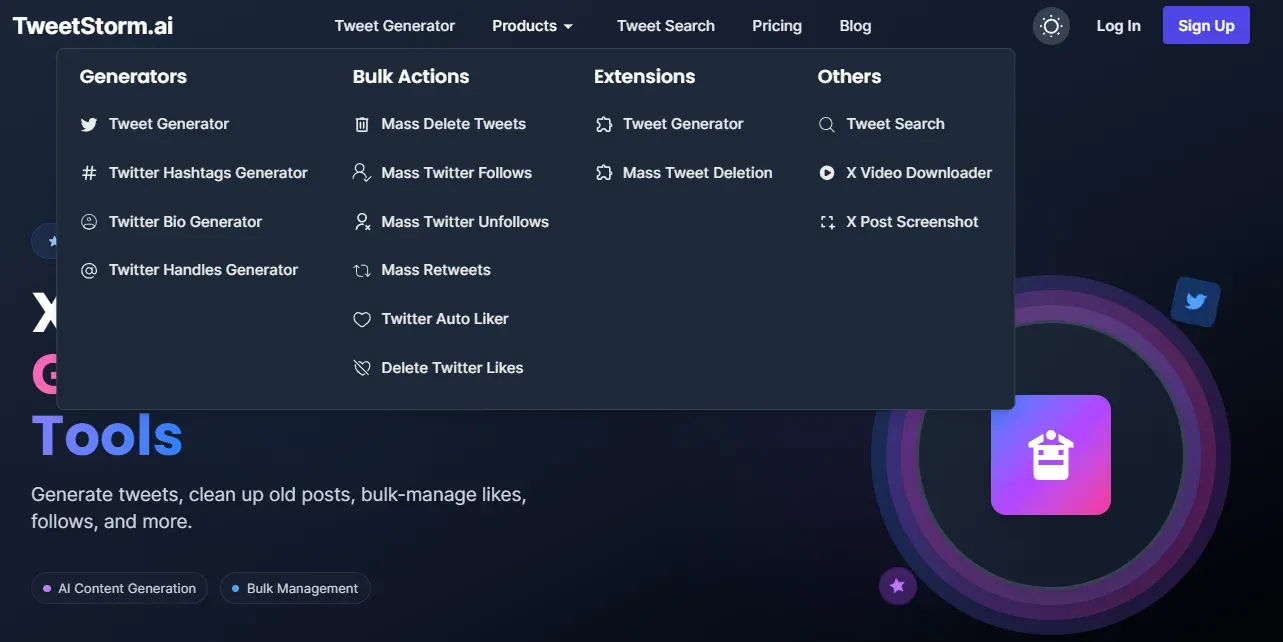
TweetStormAI is not just limited to being a downloading application; it is designed as a unified place for modern X users who desire convenience. Users do not need to alternate among three different apps, such as one app for downloading content, one for making tweets, and another for cleaning up their profile.
TweetStorm brings all of those X/Twitter tools together. With these features, you avoid wasting time moving across tabs, and you can focus more on creating and interacting. This collective style clears up confusing parts of social media management, creating efficient tools that are easy for anybody to operate.
Final words
The need to save watermark-free, excellent-quality videos from X is considered an important requirement these days. X Video Downloader from TweetStorm offers a free, strong, and quick answer, keeping your time and the quality of your content protected.
By using this program as part of your daily practices, you can start saving important content with a level of convenience and quality that is unmatched.
FAQs
What does the X Video Downloader from TweetStorm do?
This tool is free and highly functional. It lets people download videos from X (Twitter) instantly onto their phone or computer in HD MP4 format, and there is no watermark added.
Is Twitter Video Downloader usage free of charge?
Yes, you can use the X Video Downloader at no cost; there are no limits on how many videos you can download, and it does not ask you for a sign-up or any kind of registration.
Will the downloaded video have a watermark on it?
No, one of the main features of TweetStorm's tool is a clean and top-quality video output. All content you download is free from any watermark.
Can videos from private X accounts be downloaded?
No, the service works only with videos from tweets open to the public. If a tweet is locked behind privacy settings (such as a private or protected account), this downloader cannot access it.
What devices and browser programs are supported?
X Video Downloader is fully adapted for major devices such as desktop computers, tablets, and mobile phones, and runs well in all the newest browser programs. This makes it very flexible and easy to use wherever you are.
Newsletter
Never miss a post
One email a week with everything new on the TweetStorm blog.