Best X/Twitter search tool in 2026 (free vs advanced options)
Ejaz Ahmed
5 Feb 2026 | 6 min read
X (Twitter) has become one of the main sources of information on the internet in real time.
Marketers look at campaigns, startups try to monitor sentiment of brand, reporters look for stories in timelines and creators look through years for old tweets to reuse or make them cleaner. But there is a catch here: Not every X/Twitter search tool is equal.
This guide is presenting a X/Twitter search tool in 2026, trying to compare free to advanced choices to help you in deciding which to fit in better with your workflow.
Why is X/Twitter search becoming more important?
Inside X (Twitter), every tweet is part of a growing record, which makes massive, persistent conversations history.
The ongoing stream online brings implications, from the reputation for brand, public searchable timeline, campaign signs, to competition knowledge and also a person's own professional or personal online track.
So, being able to quickly find tweets is not just a nice-to-have feature now; it is a requirement for operational work.
What is making a “good” Twitter search tool in 2026?
Before tool comparison, it needs to be clarified what a strong X/Twitter search tool should be. A proper tool must let users search tweets from some account, use date ranges for filtering and put in keywords or phrases for targeted searching.
It should allow sorting by how much engagement is received and to decide between replies and actual tweets, reducing noise and making results more relevant.
Advanced Searching tools add more features such as save common searches, keep long term search records and do bulk actions. These are to make workflow easier and research or analysis efficient by automating many steps.
Free search on X/Twitter (Native)
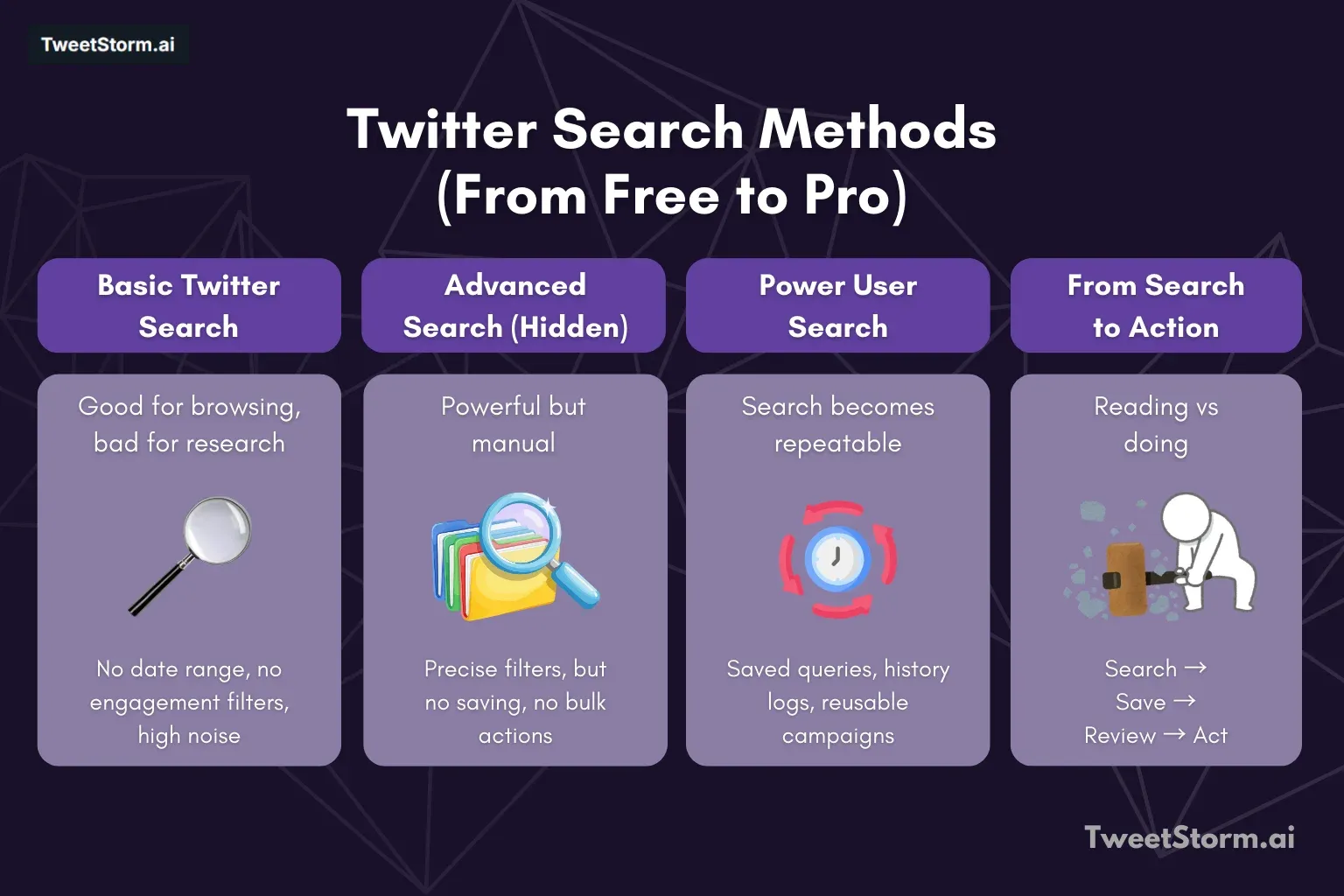
X/Twitter basic search (Free)
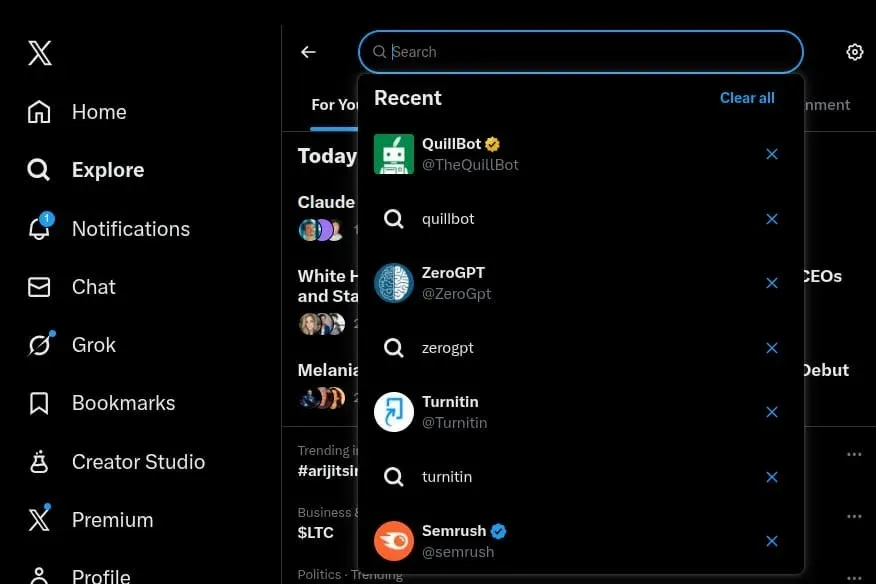
X (Twitter)'s default search is a common one that most users depend on.
People can put in keywords, so they can see newest tweets, top tweets, do hashtag search and see what is posted by certain accounts. It is mostly for browsing, trending topic checks and tracking live conversations.
But there are big limitations with basic search for professional work. It misses out critical filters like range for date, engagement levels, structured sort, so search noise is high and hard for going back in history.
That is the reason it is less than ideal for deep research, X/Twitter audits, campaign reviewing or massive content cleaning.
X/Twitter Advanced Search (Free but hidden)
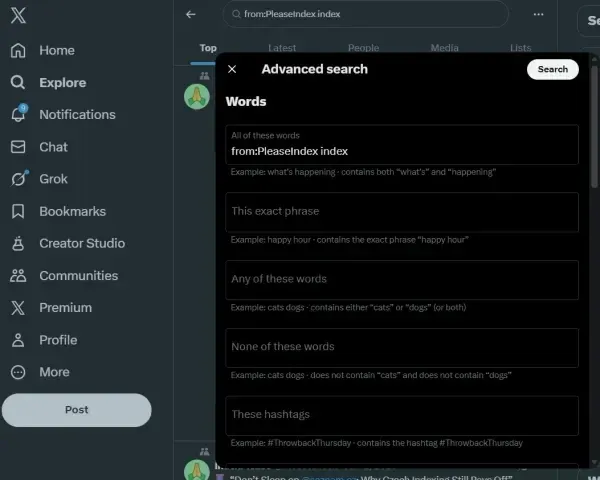
Advanced Search on Twitter/X is the most accurate built in search tool. This is letting the user search by username, use date ranges, exact phrases or take away some words.
It also gives filters for minimum likes, retweets, replies, so users can separate replies from actual tweets. Its precision is the main fact and it is totally free, not requiring external tools. But Advanced Search comes with negatives.
It offers no save search or history logging, no bulk actions. You must repeat manual steps so often, using this for frequent work or big amounts is time consuming. For that it suits only for rare detailed searching or one time investigations.
More advanced X/Twitter search
This is used by power users. With advanced utilities, logic from Advanced Search becomes automated and repeatable.
TweetStorm (Advanced Search plus actions)
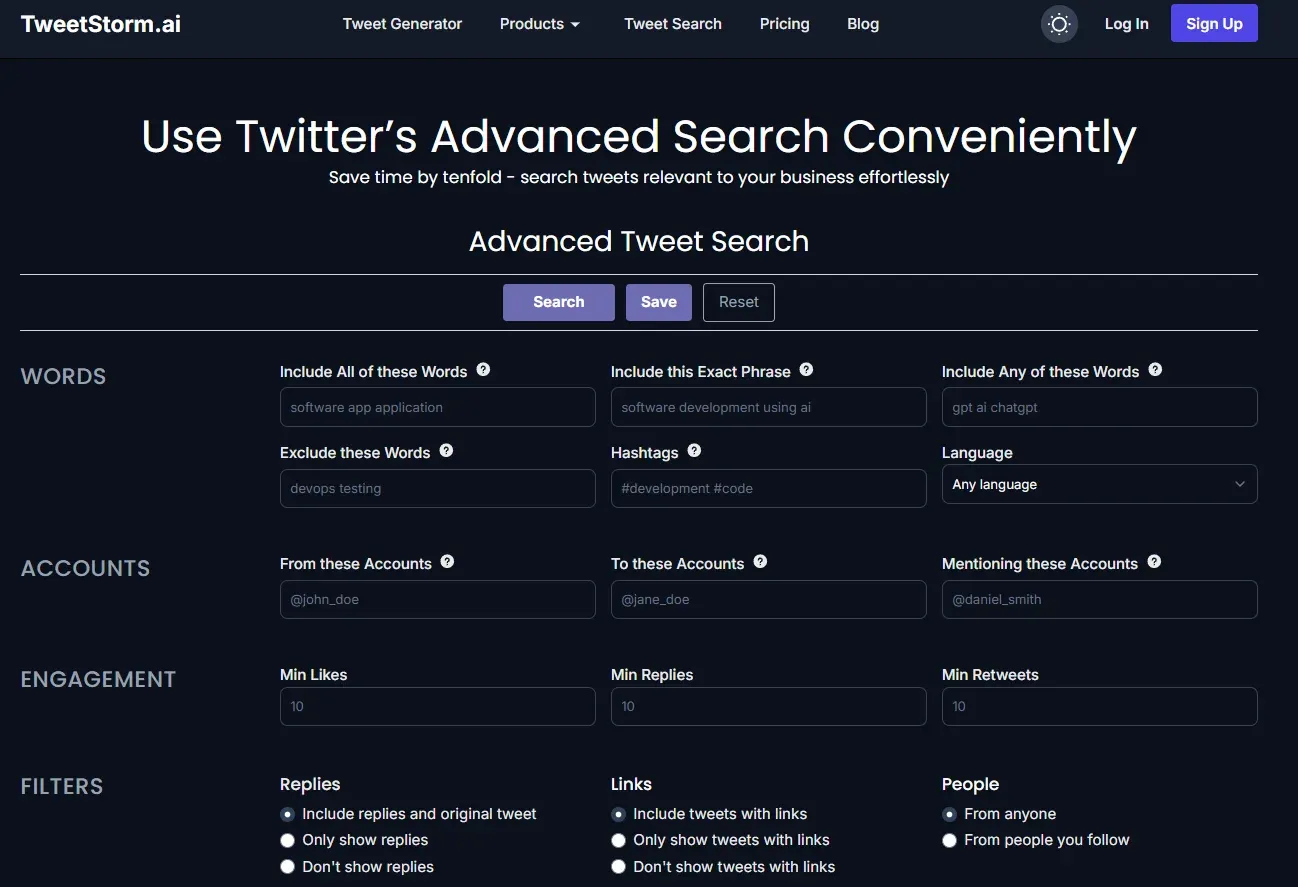
TweetStormAI is created for proactive users, ones who want to take discovered tweets and make actions, not only read them.
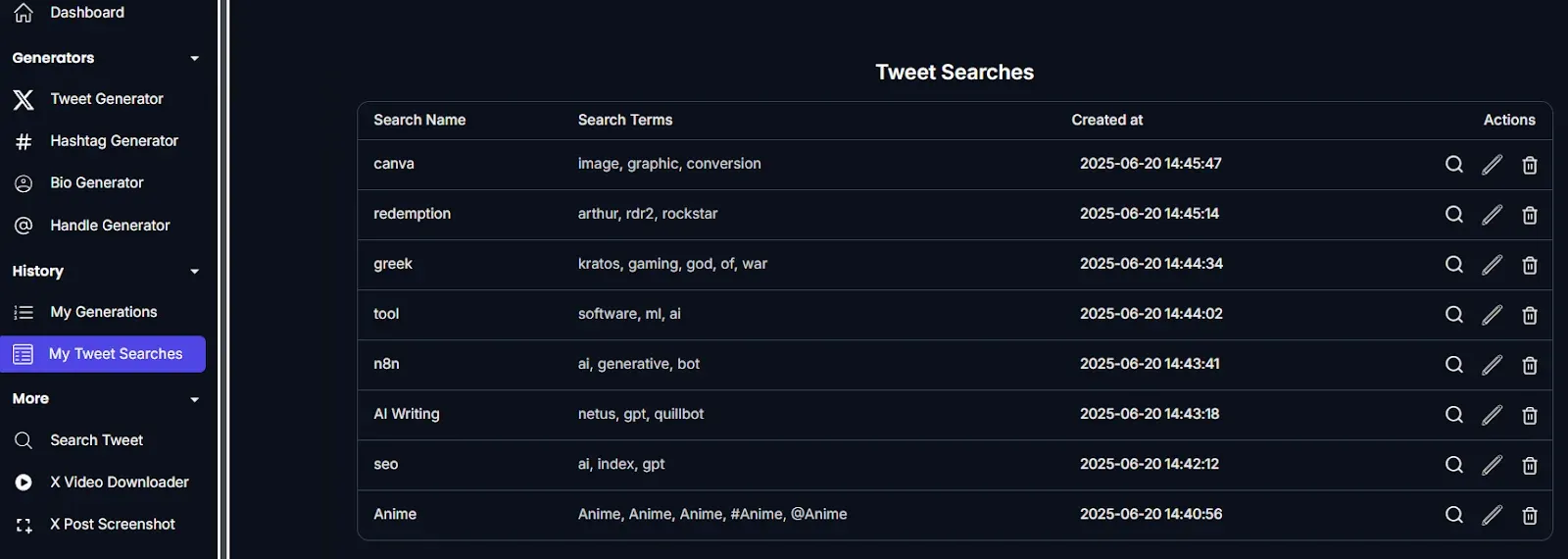
This service is much more capable than the free X/Twitter search tool.
The tool enhances the search experience by providing a cleaner, more efficient advanced search interface. It allows users to save and revisit old search results.
So instead of doing:
Search → Scroll → Forget
You have:
Search → Save → Review → Act
Free vs Advanced Search side by side compared
Feature | Twitter Basic search | Twitter Advanced Search | TweetStorm |
Keyword Search | ✔ | ✔ | ✔ |
Search by Account | ✘ | ✔ | ✔ |
Date Range Filtering | ✘ | ✔ | ✔ |
Engagement Filters | ✘ | ✔ | ✔ |
Reply / Original Filters | ✘ | ✔ | ✔ |
Save Searches | ✘ | ✘ | ✔ |
Search History | ✘ | ✘ | ✔ |
Workflow-friendly | ✘ | ⚠️ | ✔ |
When is a regular X/Twitter search enough?
Free Twitter search is enough for people who only make occasional searches for tweets for basic research.
It also serves if nobody needs to act from search outcome or to save exact queries for later. For example, a simple question, "What did this user post in 2020 on AI?" can be answered well enough with Advanced Search from the platform.
Where advanced X/Twitter tools are required?
An advanced tool is required when manual actions become slower and less effective.
This happens for users who track campaigns often, keep daily brand mention records, run many accounts or compare competitors every week.
When complex agency routines or cleaning up tasks like old tweet removal show up, advanced tools are needed more. In these cases, repeating manual searches cannot work well for productivity or workflow needs.
Real world application cases that give advantages to developed X/Twitter tools
Section | Things to do |
Campaign tracking | Save hashtag findings. |
Compare sentiments in each week. | |
Look again at launch impressions. | |
Brand monitoring | Monitor mentions not having tags. |
Figure out common complains. | |
Find supporters from early. | |
Account audits | Search tweets by yearly basis. |
Filter out contents that have low engagements. | |
It is possible to prepare account for cleanup and future brand alters. | |
Agencies & teams | Keep logs for searching. |
Reporting should be standardized. | |
Try not rebuilding same queries. |
Deciding on the most suitable X/Twitter search tool for yourself
If you want to see whether enhanced tools for controlling X/Twitter are necessary, ask these five important questions:
- How many occasions does it occur to you that you want to check for older tweets?
- Is there a need to look again at particular search results at another time?
- Are you usually acting or gaining knowledge from data you collect from your search?
- Now, do you handle more than one account together?
- In the end, is saving time mostly your priority?
Answer “yes” for most of those, then choose a stronger X/Twitter management tool, which is highly advised.
Closing points
The real secret to Twitter/X searching for 2026 is not just to find tweets, but to do things with them.
For irregular or rare users, free Twitter/X Advanced Search is enough for very accurate historical searches.
But professionals, people from marketing, research and content, who depend seriously on what the data shows, need TweetStorm’s Advanced Twitter/X search tool as a core system. These solutions help automate filters, store complicated queries and execute bulk actions, turning many hours of scrolling into targeted analysis, seeing to efficiency in noisy digital systems.
Finally, the optimal tool matches your frequency of searching and your intentions. If needs are repeating and about taking actions, to spend for an advanced tool leads to a more productive use of time and has a clearer workflow.
FAQs
Is Twitter Advanced Search available for free in 2026?
Yes. Twitter/X Advanced Search still stays free and able to be used, but it is not obvious in the interface.
Can the free Twitter search save searches?
No. Twitter/X will not offer you saving and recording Advanced Searches automatically.
What is the main issue with free Twitter search?
There are no saved queries, history or ways to take actions directly. It is necessary to repeat searching steps every instance.
Does TweetStorm fully replace Twitter search?
No. TweetStorm expands on Twitter search mechanics, it makes it easier to use and more likely to repeat for future.
Is TweetStorm able to search dated tweets?
Yes. It specializes in filtering with dates as one major advantage.
Is TweetStorm good for beginner users?
Yes. Its design means you do not need to memorize complicated search commands.
Are marketers really required to use advanced Twitter search tools?
If they track running campaigns, mentions or competitors frequently, yes, they should. Saving time is extremely supportive.
Is it risky to use advanced Twitter search tools?
With responsible and usual use, these tools are created to be steady and manageable.
Which Twitter search tool is best for 2026 overall?
For irregular users: Twitter Advanced Search. For power roles like marketers and agency use: developed Twitter management tools such as TweetStorm.
Newsletter
Never miss a post
One email a week with everything new on the TweetStorm blog.